
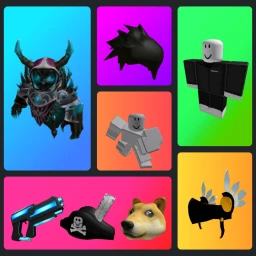
Catalog Avatar Creator ESP Script
-- Catalog Avatar Creator ESP | blox.sh
-- Updated: July 2026
loadstring(game:HttpGet(
  "https://blox.sh/raw/catalog-avatar-creator/esp-script.lua"
))()How to use this script
.lua file).
What this script does
Avatar outlines
Highlights other players' avatars with visible outlines to spot them easily in the hangout.
Accessory detection
Shows icons for rare and popular catalog items worn by players nearby.
Distance display
Displays how far away other avatars are, helping you find friends faster.
Name tags
Adds clear name tags above players for quick identification in busy areas.
Customizable colors
Choose outline and tag colors to personalize your ESP view.
How it works
The Catalog Avatar Creator ESP script works by scanning the game environment and detecting player avatars along with their equipped catalog items. It then overlays visual markers like outlines, name tags, and accessory icons directly onto the game screen to help you see details you might otherwise miss.
You can customize the colors and which features to display, making it easier to spot friends or find cool avatar styles in the hangout. The script updates in real-time as players move and change outfits, keeping your view accurate and useful.